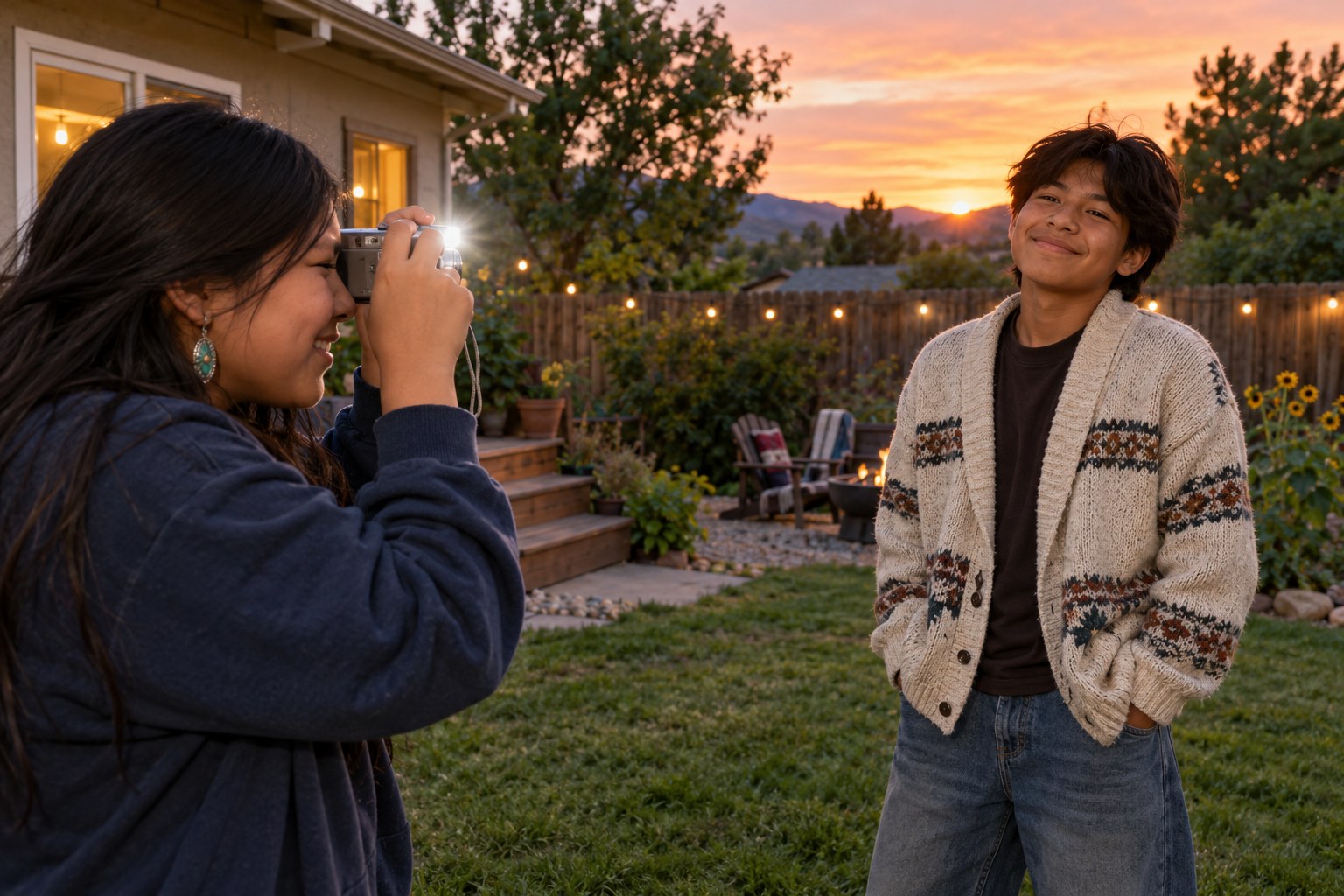
Full lesson previewCurate the Dump: Sequencing Ten Photos Into a Story
Photography40 minutesGrades: 10th
Overview
Turn ten photos into a sequence that tells a story.
Description
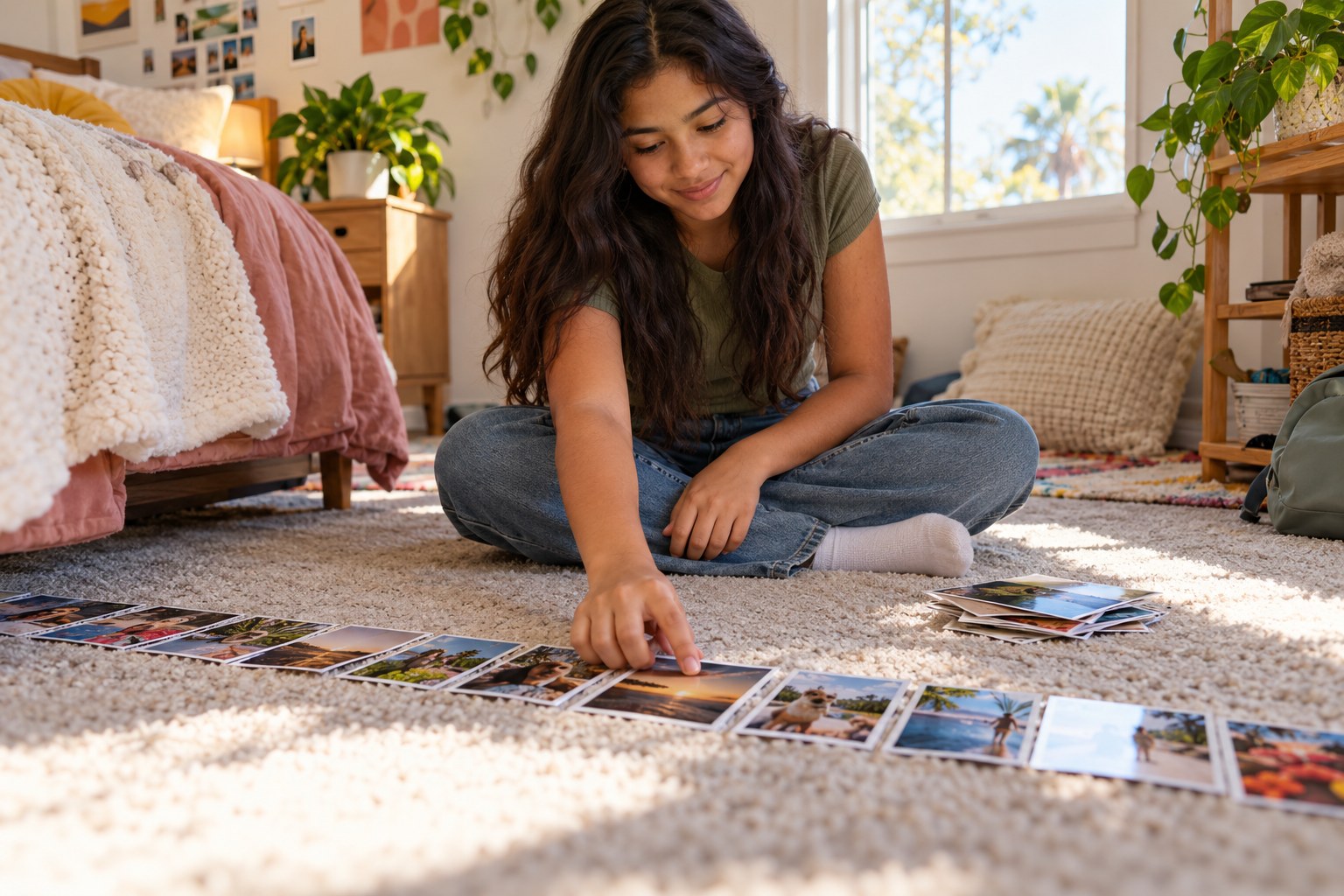
Your teen picks ten photos from one week or event, prints them as small thumbnails or sketches each on an index card, and arranges them on the floor using visual rhythm (wide, detail, portrait), color threads and a strong opener and closer. They finish by explaining to you why their order tells a story instead of being a random pile.
Objective
Your teen will select and sequence ten photographs using shot variety, color and a clear opening and ending, and explain how the order creates meaning.
Materials
| Item | Quantity |
|---|
| Phone or computer with photos from one week or event | 1 |
| Small printed thumbnails of photos, or index cards to sketch them on | 15 |
| Sticky notes | 4 |
| Pen or marker | 1 |
Vocabulary
Sequencing
Choosing the order of images so each one changes how you read the next.
Visual rhythm
The pattern created by alternating kinds of shots, such as a wide scene, a close detail and a portrait.
Color thread
A color that repeats across several images and ties them together.
Opener and closer
The first and last images in a sequence; the opener sets the scene and the closer leaves the final feeling.
Preparation
- Help your teen choose one week or event with at least 30 photos to pick from.
- Print 15 small thumbnails (several per page is fine) or set out 15 index cards for quick sketches.
- Clear a strip of floor or a long table about 6 feet long.
Introduction
Ask your teen to open any photo dump they liked recently and scroll it slowly. Ask: why does slide one come first, and what does the last slide make you feel? Tell them a good dump is edited, not just dumped.
What is the difference between a camera roll and a story?
Which slide usually gets skipped, and why?
Steps
1Step 1
Shortlist fifteen
(8 min) Your teen scrolls the week's photos and chooses 15, printing them as the 15 thumbnails or sketching each on an index card with a one-word label. On each card or print they write W for wide, D for detail or P for portrait.
2Step 2
Find the threads
(7 min) Your teen spreads all 15 thumbnails on the floor and sorts them by color, then by mood. They write the two strongest color threads and the main feeling of the week on 2 of the sticky notes and stick them above the row.
3Step 3
Build the sequence
(12 min) Your teen narrows to 10 and lays them in a line, starting with an opener that sets the scene and ending with a closer that feels final. They check that no more than two of the same shot type sit next to each other and that a color thread shows up at least three times.
4Step 4
Cut and test
(8 min) You look at the row of 10 thumbnails while your teen takes away one photo at a time and asks whether the story still works. If removing a photo changes nothing, it goes back in the extras pile and your teen swaps in a stronger one.
5Step 5
Pitch the story
(5 min) Your teen gives you a one-minute walkthrough of the final 10, naming the opener, the closer and one place where the rhythm or color creates a turn in the story. They write the final order on the last 2 sticky notes and save it as an album or draft on the phone.
Conclusion
Ask: which photo almost made it but didn't, and why? Cutting good work so the whole thing gets better is the core skill of every editor.
Make your own lesson plan in minutes
Describe a topic and Resource Portal AI writes the objectives, materials and steps for your group.
Try Resource Portal AI