Full lesson previewNotification Sort: Keeping Only the Alerts That Help You
SEL45 minutesGrades: 9th
Overview
Sort your notifications into keep, schedule and silence.
Description
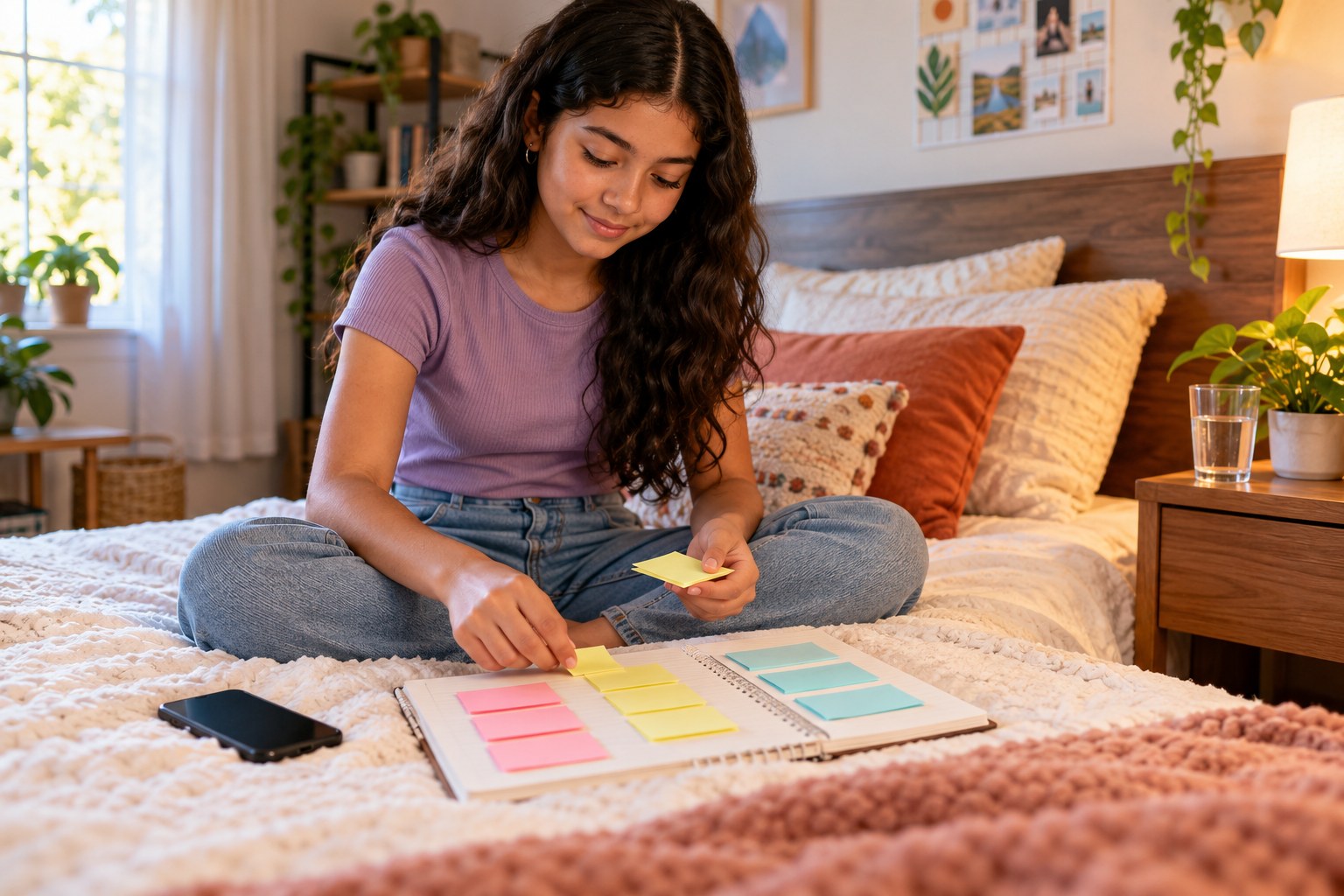
Your teen lists every app that pings them, tallies each alert for one day with a feeling label (helpful, neutral, stressed or pulled away), and sorts the apps into keep, schedule and silence piles on sticky notes. Together you change the settings, and three days later your teen checks whether focus and mood shifted.
Objective
Your teen will collect real data on their phone notifications, judge which alerts help them, and change their settings to match their own priorities.
Materials
| Item | Quantity |
|---|
| Smartphone (your teen's own) | 1 |
| Sticky notes | 20 |
| Notebook | 1 |
| Pen | 1 |
| Highlighters (three colors) | 3 |
Vocabulary
Notification
An alert an app sends to grab your attention, like a banner, sound, badge or vibration.
Scheduled summary
A phone setting that bundles non-urgent alerts and delivers them at times you choose.
Focus mode
A setting that silences most alerts for a period while letting chosen people or apps through.
Attention cost
The focus you lose each time an alert pulls you away from what you were doing, including the time it takes to get back on track.
Preparation
- Do the tally on an ordinary school or work day before this session, or plan this session as the start and finish the tally tomorrow.
- Look up where your teen's phone keeps notification settings (usually Settings, then Notifications) so you can find it quickly together.
Introduction
Ask your teen to guess how many notifications their phone sent yesterday. Then ask: of those, how many did you actually want?
Which app interrupts you most, and is it the one you care about most?
Is there an alert that makes your stomach drop a little when you see it? Why?
Steps
1Step 1
List every app that pings
(8 min) Your teen opens the notification settings and writes the name of each app that is allowed to send alerts on its own sticky note, using up to the 20 sticky notes. Most teens are surprised by how many there are, so let them count before you comment.
2Step 2
Set up the tally sheet
(7 min) In the notebook your teen draws a table with one row per app and four columns: helpful, neutral, stressed and pulled away. They mark one tally in a column each time an alert arrives during the tally day, and you agree on when the day starts and ends.
3Step 3
Read the tally and color-code
(10 min) Using the finished tally (or yesterday's notification history if the phone shows it), your teen totals each row and uses the 3 highlighters to color each app: one color for mostly helpful, one for mostly neutral and one for mostly stressful or distracting. They write the three biggest totals at the top of the page.
4Step 4
Sort the sticky notes
(8 min) Your teen sorts the sticky notes into three piles on the notebook: keep (alerts that help, like a family group or a ride), schedule (useful but not urgent, like shopping or news) and silence (alerts that mostly pull them away). They explain each choice to you in one sentence, and you only ask questions rather than overrule.
5Step 5
Change the settings together
(12 min) With the phone in hand, your teen turns off or mutes every app in the silence pile, sets the schedule pile to a delivered summary or a quiet time window, and leaves the keep pile on. They write the date in the notebook and a check-in date three days from now, plus one prediction about what will change.
Conclusion
At the three-day check-in, ask: did you miss anything important, and did you notice fewer moments of being yanked away? Keep the settings that worked and move any app back if it was a mistake.
Make your own lesson plan in minutes
Describe a topic and Resource Portal AI writes the objectives, materials and steps for your group.
Try Resource Portal AI