Free lesson planOur Own Election Day
STEAM1 HourGrades: K, 1st, 2nd, 3rd
Overview
In this lesson, students will explore the concept of elections through a hands-on activity where they create their own election day.
Description
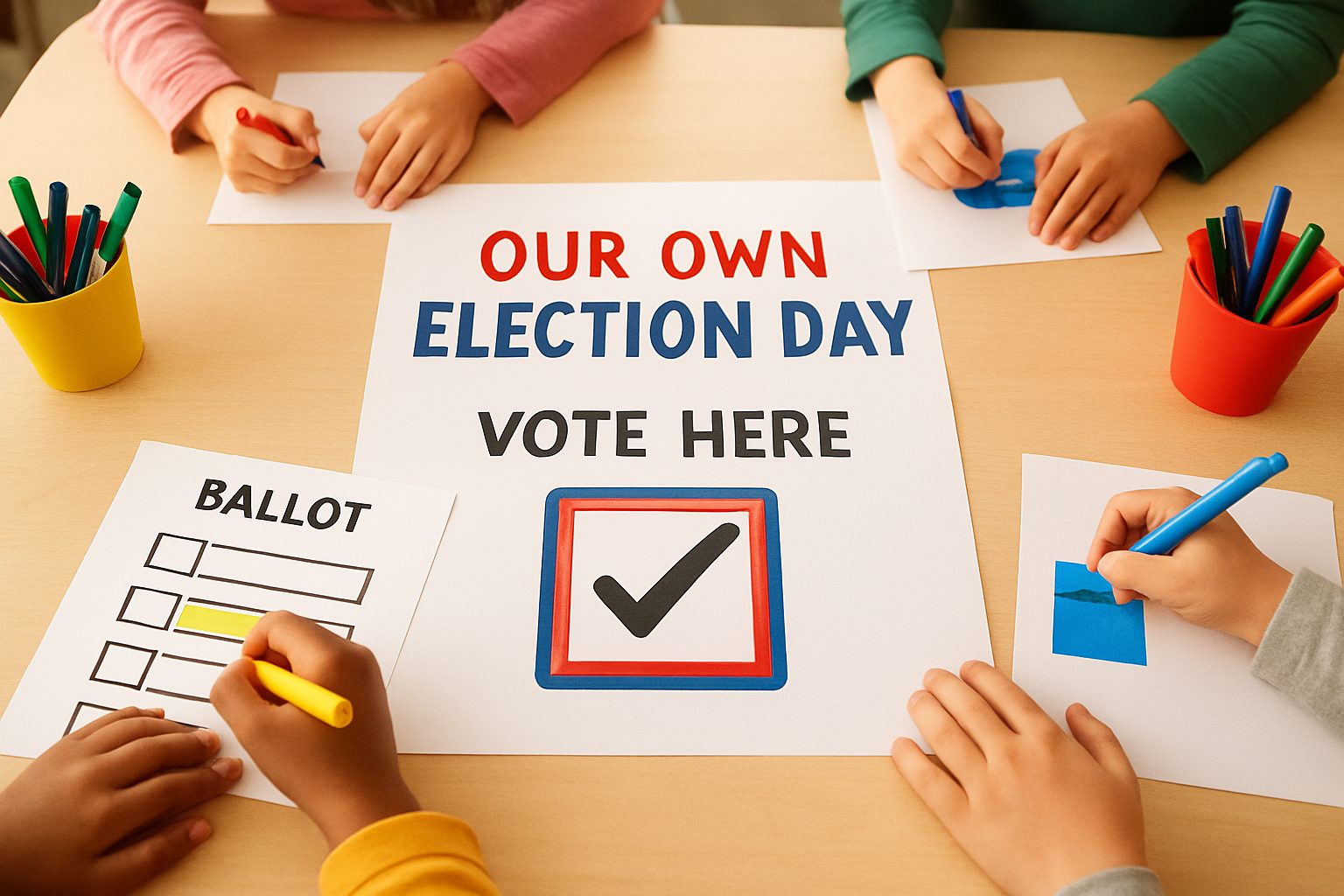
Students will learn about the importance of elections and participate in a mock election activity, promoting teamwork and communication skills. They will create their own election day by making campaign posters and voting for their favorite books.
Objective
Students will understand the basic concept of elections and participate in a mock election, practicing collaboration and communication.
Materials
| Item | Quantity |
|---|
| Election Ballots (pre-printed, blank) | 20 sheets |
| Markers (pack of 12) | 2 packs |
| Construction Paper (pack of 50 sheets) | 1 pack |
| Glue Sticks (pack of 12) | 2 packs |
| Voting Box (1 per class) | 1 |
| Cardboard Voting Booth | 1 |
| Sticker Sheet (for campaign materials) | 2 sheets |
| Sign-in Table | 1 |
Vocabulary
Election
A way for people to choose leaders.
Vote
To choose someone or something.
Ballot
A paper to mark your choice.
Leader
A person who helps others.
Preparation
- Prepare election ballots with simple choices.
- Set up a voting box for collecting ballots.
- Gather materials for creating campaign posters.
Introduction
Grown-ups vote on Tuesday, November 3, 2026. Let’s learn what an election is!
What is an election?
Why do we need to vote?
Steps
1Step 1
Introduction to Elections
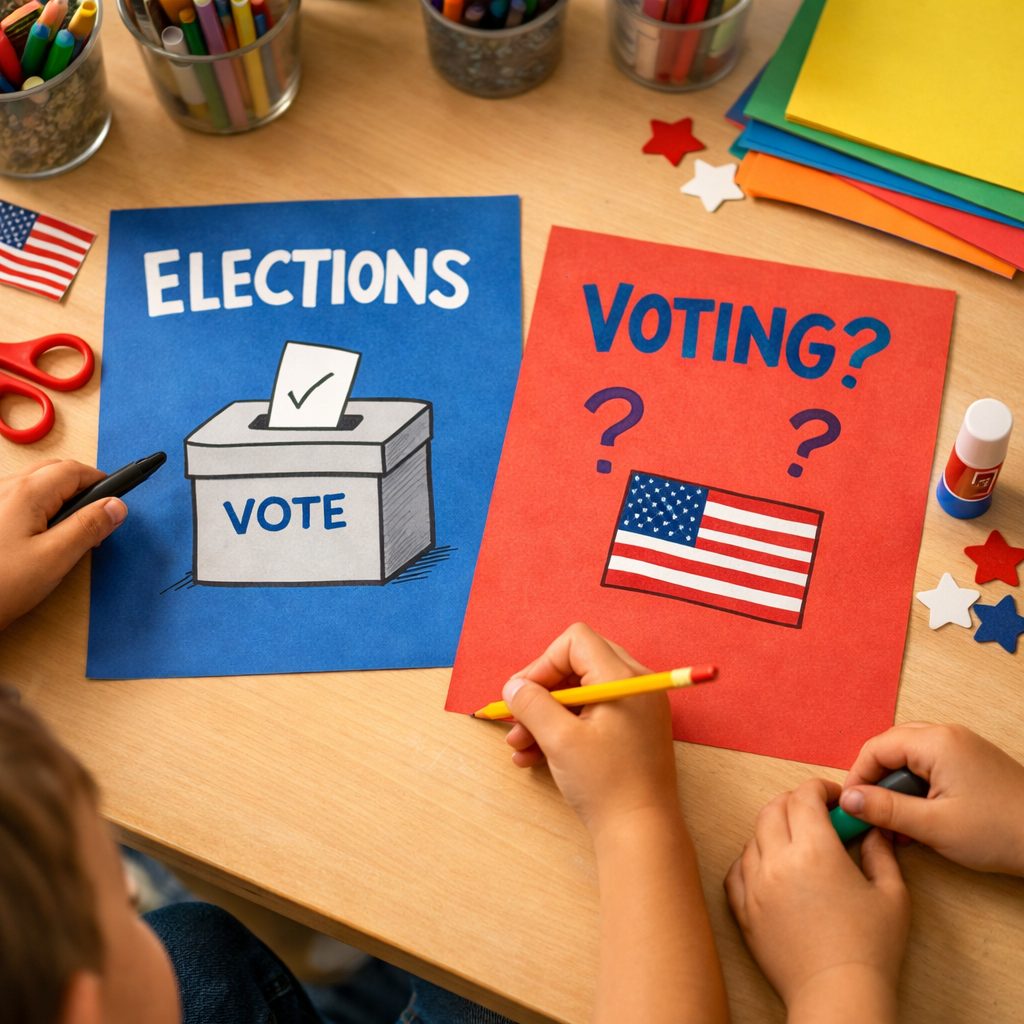
(5 min) Begin with a 5-minute discussion about elections. Explain that grown-ups vote on Tuesday, November 3, 2026, and why it's important. Ask students, "What do you think voting means?" Students will listen and share their thoughts. Use markers and construction paper for later activities.
2Step 2
Check-in at the Table
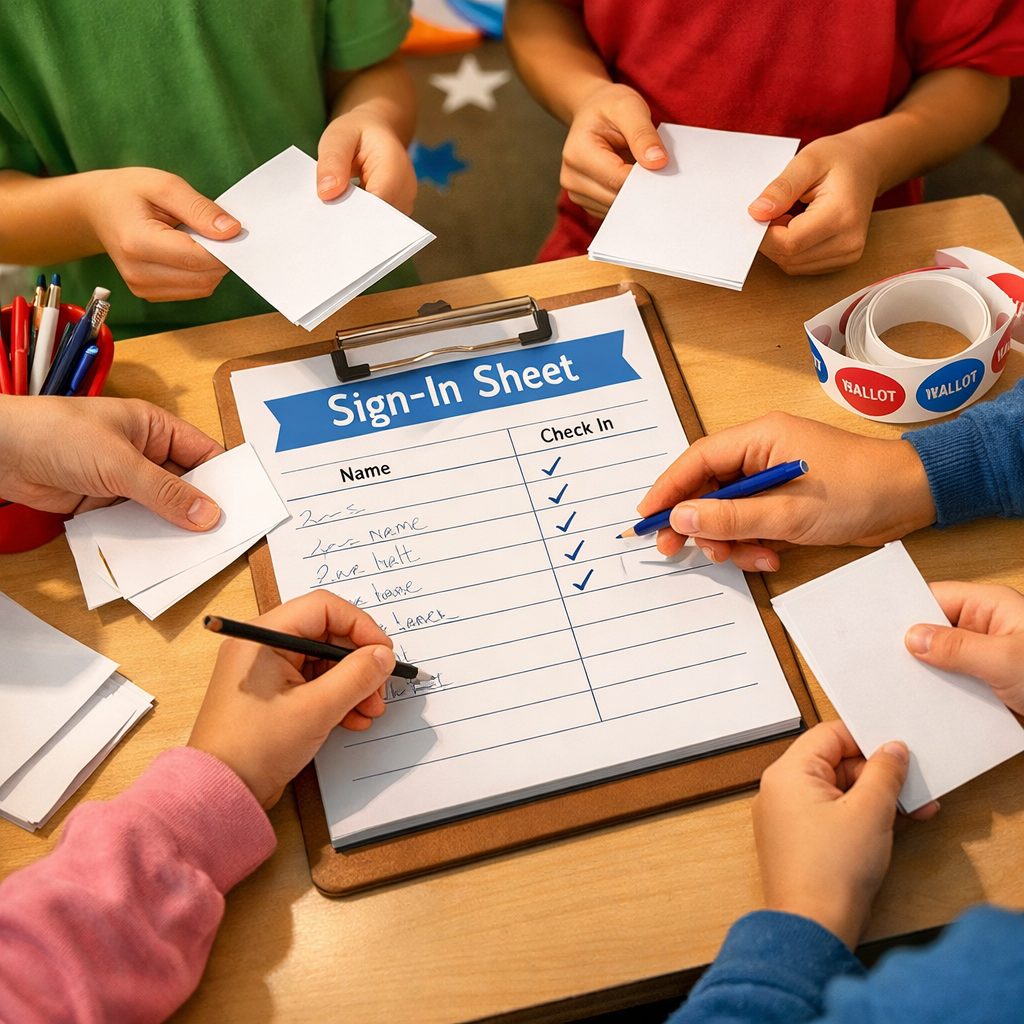
(10 min) Organize students into 5 groups of 4. At the pretend sign-in table, each group checks in by signing a sign-in sheet. Each student will receive one blank ballot after checking in. This way, students will understand the process of signing in without revealing their choices on the ballot. The teacher says, "Make sure to write your names clearly!" Students will practice writing their names on the sign-in sheet and receive their ballots, which they will keep safe until voting time.
3Step 3
Voting for Books
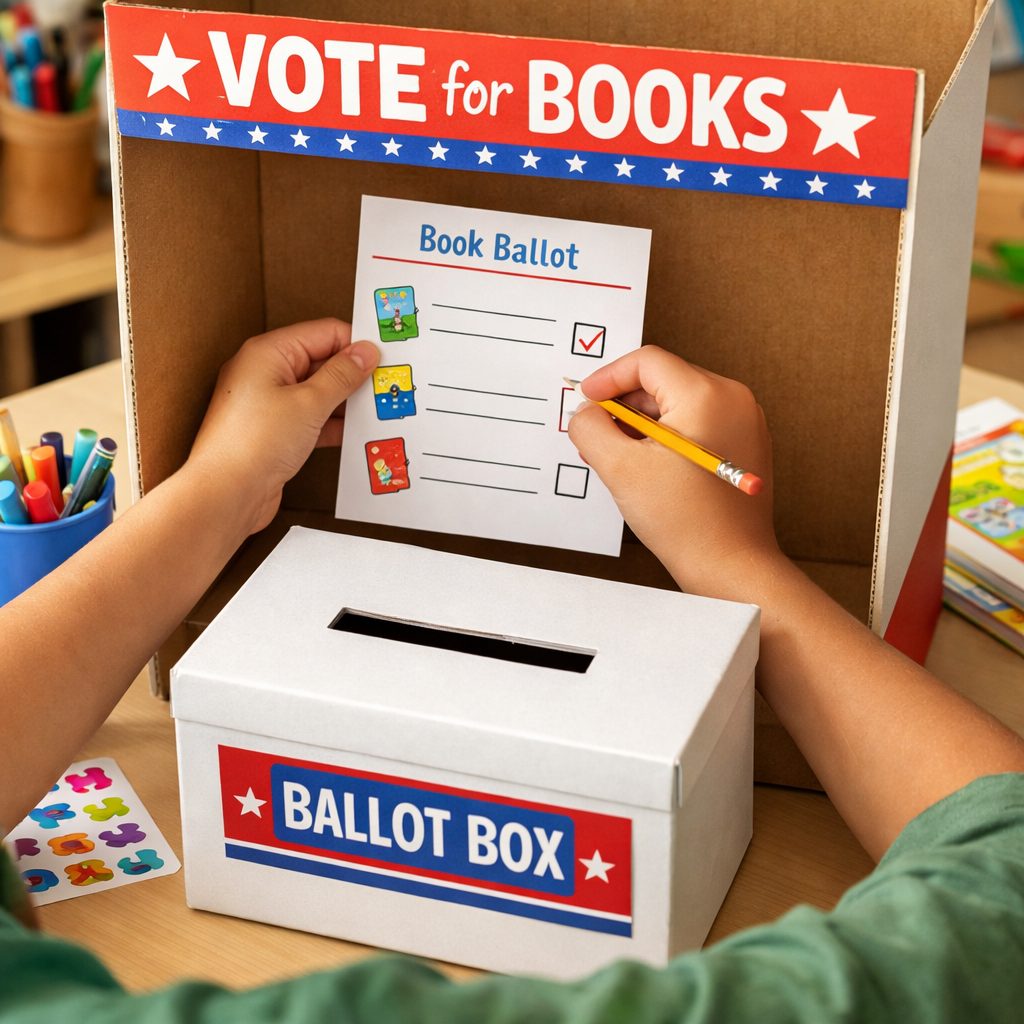
(25 min) Set up the cardboard voting booth. Each student will vote for their favorite book using their ballot. The teacher instructs, "Remember to keep your choices private!" Students will enter the booth one by one, mark their choice on the ballot, and then place it in the voting box. This allows them to experience the excitement of voting firsthand, and they will see the colorful voting booth and the box ready for their ballots.
4Step 4
Receive Stickers
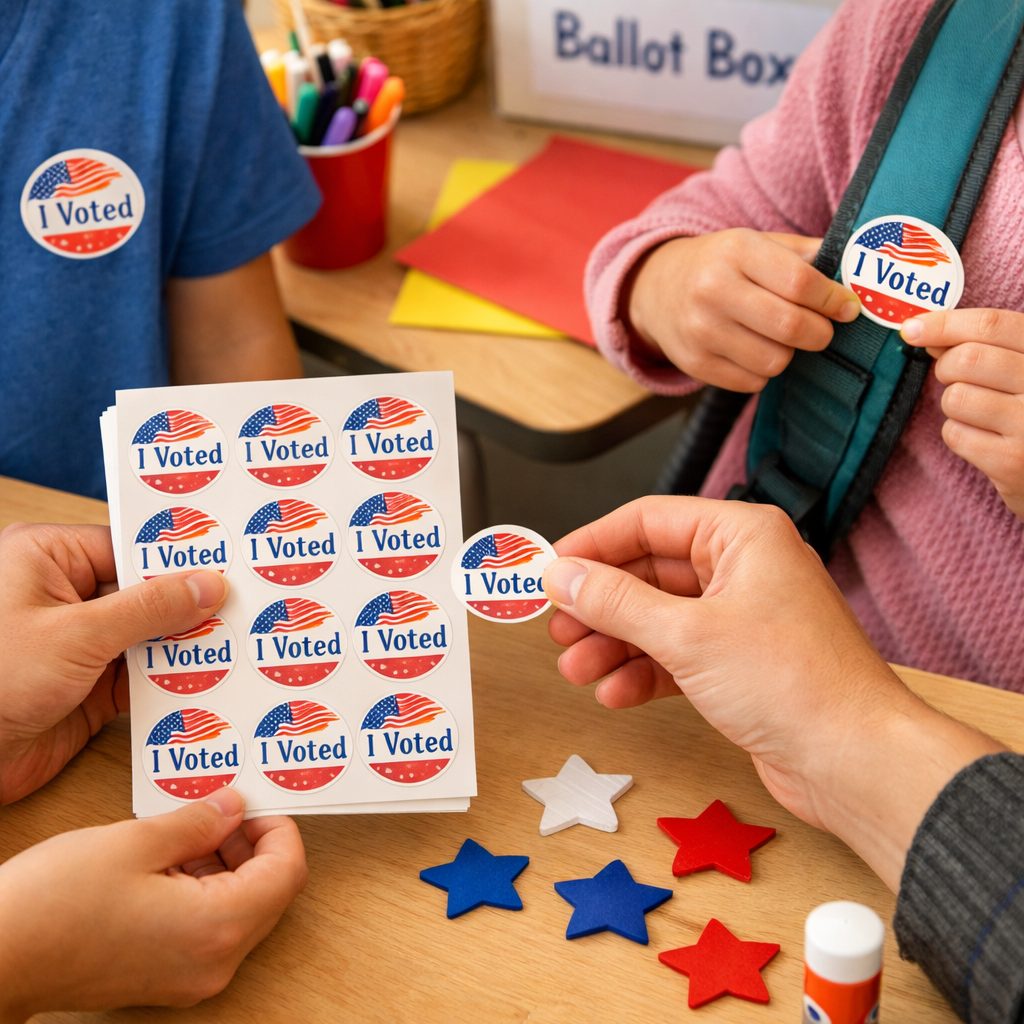
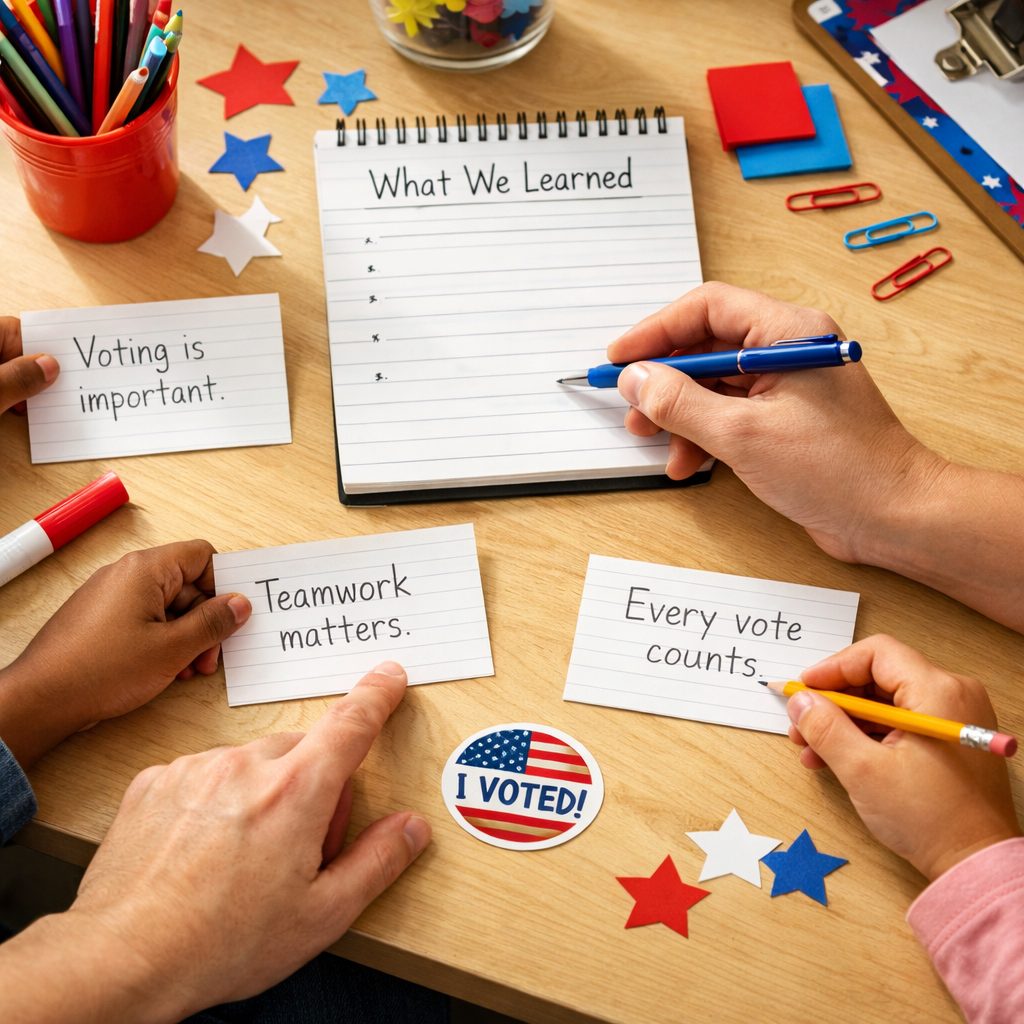
(10 min) After voting, give each student an 'I Voted' sticker. They can put it on their shirt or backpack. The teacher says, "This sticker shows that you participated!" Each student receives their sticker and places it proudly on their clothing, reminding them that they made their voices heard during the election process.
5Step 5
Count the Votes
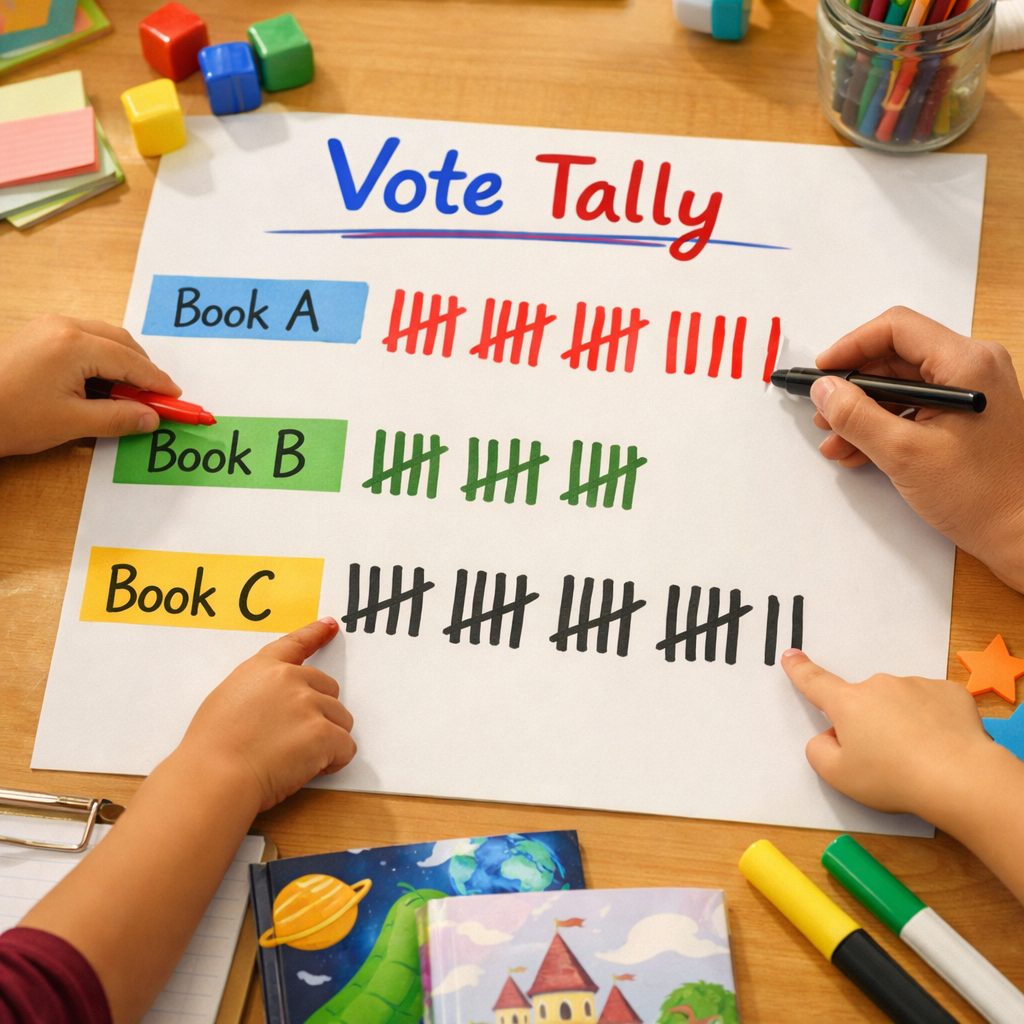
(5 min) As a class, count the votes together to see which book won. The teacher asks, "Who do you think won?" Students will help tally the votes aloud and discuss the results. They will see the winning book and share their feelings about it, connecting the activity to real-world voting processes and celebrating participation.
6Step 6
Reflection
(5 min) Wrap up with a short reflection. Each student shares or writes down one thing they learned about the election process. The teacher prompts, "What did you enjoy the most?" This helps reinforce their understanding and encourages them to express their thoughts. Students will share their ideas, focusing on the importance of voting and teamwork.
Conclusion
Discuss the results of the voting and what the students learned about the election process and the importance of voting.
Make your own lesson plan in minutes
Describe a topic and Resource Portal AI writes the objectives, materials and steps for your group.
Try Resource Portal AI