Free lesson planFold-a-Book Print Detectives
Reading30 minutesGrades: TK, K
Overview
Make a bee book and learn how print works.
Description
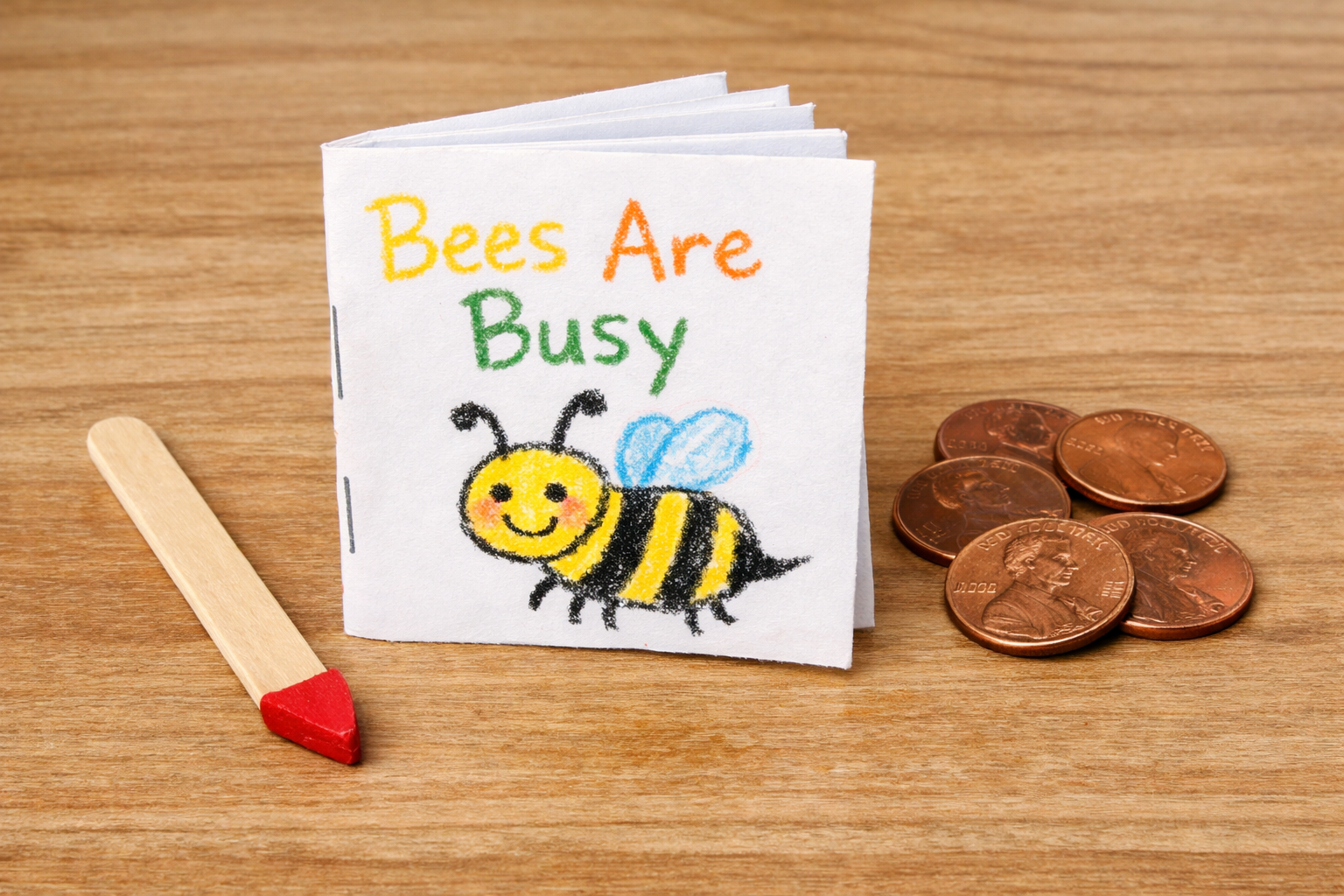
You and your child fold paper into a little book about bees, then your child finds the front cover, back cover and title page, tracks each word with a pointer from left to right and puts a penny in every space between words.
Objective
Your child will name the front cover, back cover and title page, track print left to right, top to bottom and page by page, and show that words are made of letters with spaces between them.
Standards
RF.K.1aELA · Grade K · Reading: Foundational Skills Follow words from left to right, top to bottom, and page by page.
RF.K.1bELA · Grade K · Reading: Foundational Skills Recognize that spoken words are represented in written language by specific sequences of letters.
RF.K.1cELA · Grade K · Reading: Foundational Skills Understand that words are separated by spaces in print.
RI.K.5ELA · Grade K · Reading: Informational Text Identify the front cover, back cover, and title page of a book.
Materials
| Item | Quantity |
|---|
| Plain paper (printer paper) | 4 sheets per book |
| Stapler or tape | 1 to share |
| Crayons or markers | 1 box to share |
| Craft stick, clean spoon or chopstick (word pointer) | 1 per child |
| Pennies or buttons | 10 per child |
| Pencil | 1 |
Vocabulary
Front cover
The outside of a book you see first. It shows the title.
Back cover
The outside of the very end of a book.
Title page
The page inside the book that tells the book's name and who made it.
Space
The empty gap between two words.
Preparation
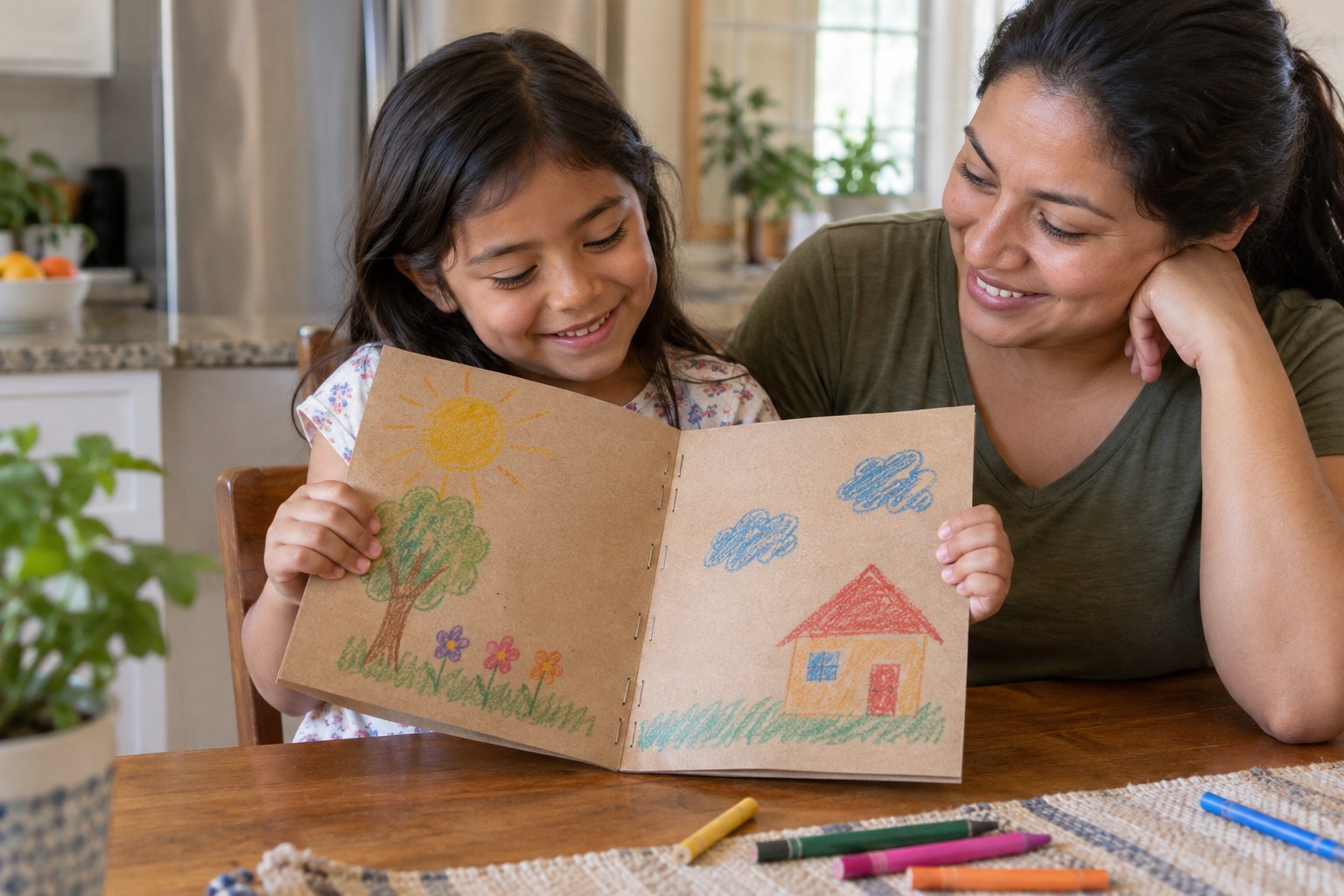
- Stack the 4 sheets of paper, fold them in half like a book and staple or tape the fold.
- Copy the 'Bees Are Busy' article from the Article section below onto the inside pages in big, neat print, one page number per page, leaving a wide space between every word.
- Leave the very first outside page and the very last outside page blank for the covers, and leave the first inside page blank for the title page.
Introduction
Hand your child the book upside down and backward and say: 'Can you help me? I am not sure how to start reading this.'
Where do we start reading a book?
How do you know where one word stops and the next word starts?
Steps
1Step 1
Make the covers
(6 min) Your child decorates the front cover with crayons, drawing a bee and a flower, while you write the title 'Bees Are Busy' across the top. On the inside first page, write the title again with 'By ___' and your child's name, and tell them this is the title page.
2Step 2
Cover tour
(5 min) Hold up the folded book and ask your child to touch the front cover, then flip it over and touch the back cover. Next, have them open to the title page and point to the title and their name, then draw a small picture on the back cover with the crayons.
3Step 3
Read with a pointer
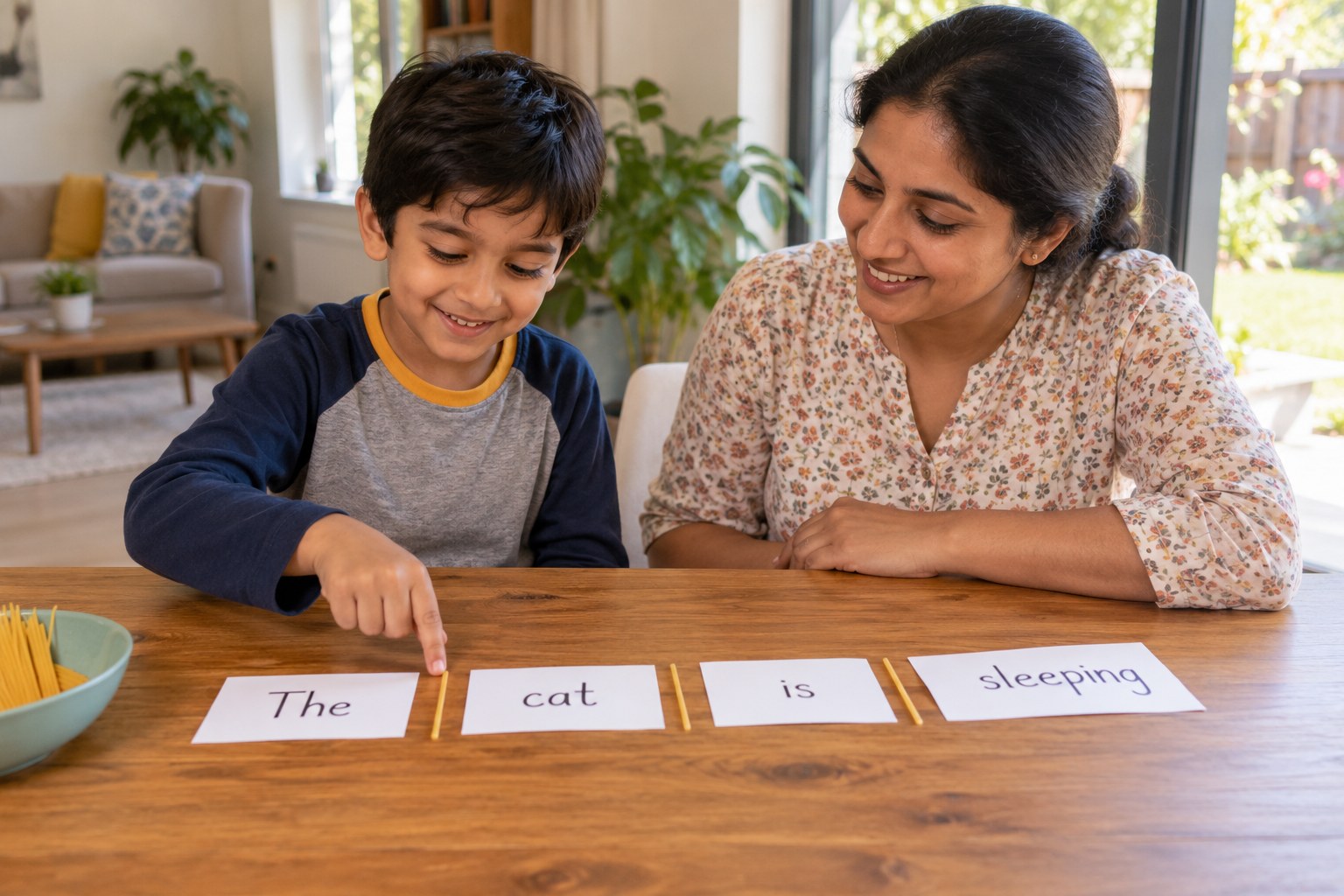
(8 min) Read the book aloud slowly while your child slides the craft stick pointer under each word from left to right. At the end of each line, show them how the pointer sweeps back to the left and down one line, and at the bottom of the page they turn to the next page.
4Step 4
Pennies in the spaces
(6 min) Open to page 2 ('Bees fly from flower to flower. They buzz as they go.'), which has 11 words and 10 spaces, and have your child place one of the 10 pennies in each space between the words. Count the words together, then find the word 'bees' on two different pages and have your child say its letters in order, b-e-e-s, to see that the same spoken word is always spelled with the same letters.
5Step 5
Silly reader check
(4 min) Play the 'silly reader': you start reading the book from the back cover, point to words from right to left or skip a page. Your child stops you each time with the pencil as a pointer and shows the right way.
Conclusion
Ask your child to give a quick tour of the book to another family member: front cover, title page, back cover and how to point to the words.
Make your own lesson plan in minutes
Describe a topic and Resource Portal AI writes the objectives, materials and steps for your group.
Try Resource Portal AI