Thumbnail Science: Shoot a Photo That Stops the Scroll
Overview
Shoot ten thumbnail options and test which one reads at stamp size.
Description
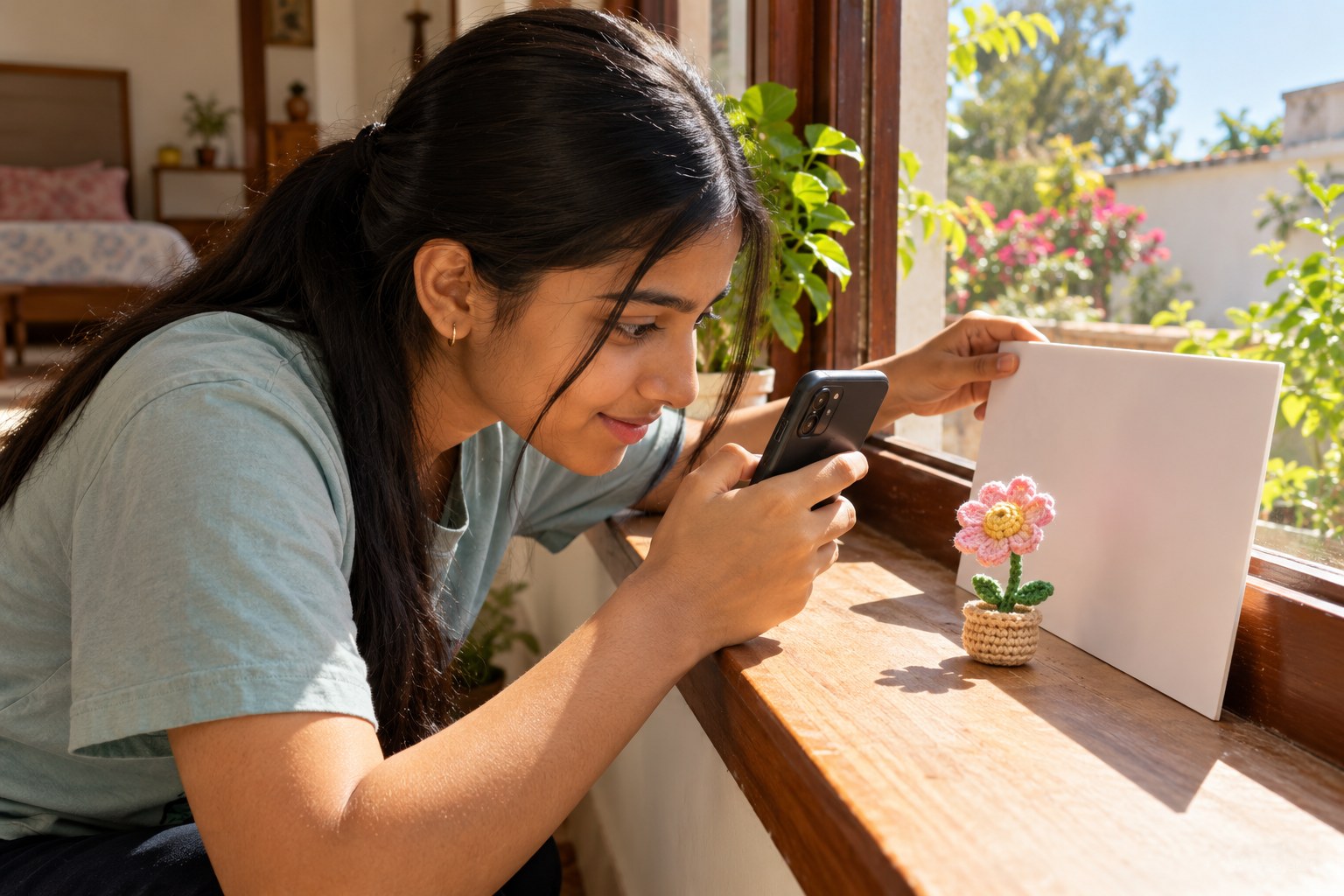
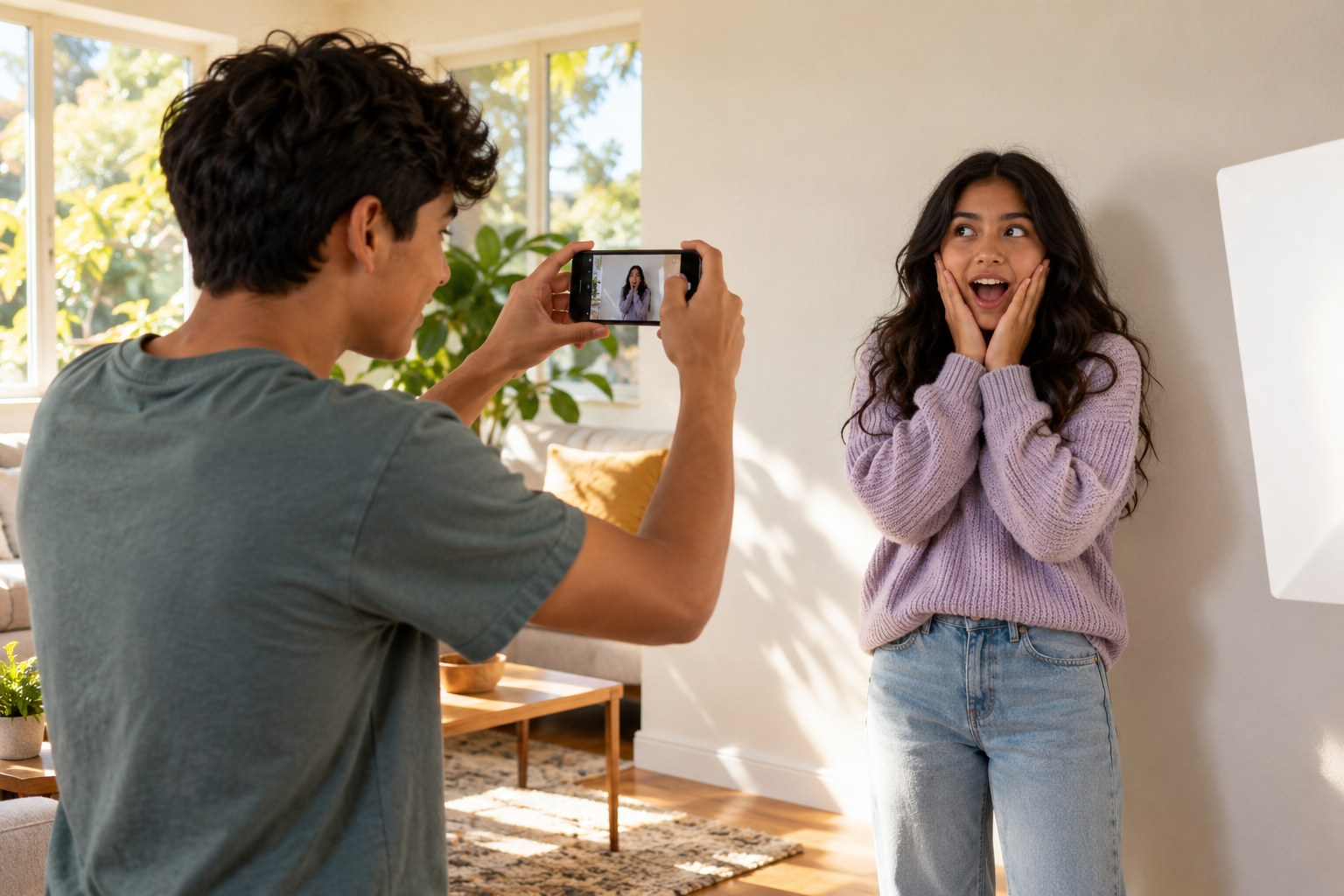
Your teen studies what makes video thumbnails readable at tiny sizes (one clear subject, strong contrast, an expressive face and a simple background), then shoots ten thumbnail candidates for an imaginary video using window light, a white poster board and a plain wall. They shrink each shot to about stamp size on screen, show the grid to family for three seconds, and pick the one people noticed and understood first.
Objective
Your teen will apply composition, contrast and visual hierarchy to shoot a photo that reads clearly at a very small size, and will test it with real viewers.
Materials
| Item | Quantity |
|---|---|
| Phone or camera | 1 |
| White poster board for bouncing light | 1 |
| Plain wall or a sheet hung flat as a background | 1 |
| A prop related to the imaginary video, such as a sneaker, a game controller or a mixing bowl | 1 |
| Notebook and pen | 1 each |
Vocabulary
Preparation
- Find a plain wall near a window with indirect daylight.
- Ask a sibling or parent to model for about 10 minutes, or your teen can use the phone's timer to photograph themselves.
Introduction
Open a video app and scroll the home feed with your teen for 10 seconds, then close it. Ask: which thumbnail do you remember, and why that one?
What do thumbnails that catch your eye have in common?
What happens to small text and busy backgrounds when an image is shrunk to the size of a stamp?
Steps
Conclusion
Ask your teen what the winning thumbnail had that the others did not. At small sizes, clarity beats detail: one subject, one emotion and strong contrast.
Make your own lesson plan in minutes
Describe a topic and Resource Portal AI writes the objectives, materials and steps for your group.
Try Resource Portal AI