Full lesson previewYour First Drum Pattern: Kick, Snare and Hi-Hat on a Grid
Music40 minutesGrades: 9th
Overview
Program boom-bap and trap drum loops on a 16-step grid.
Description
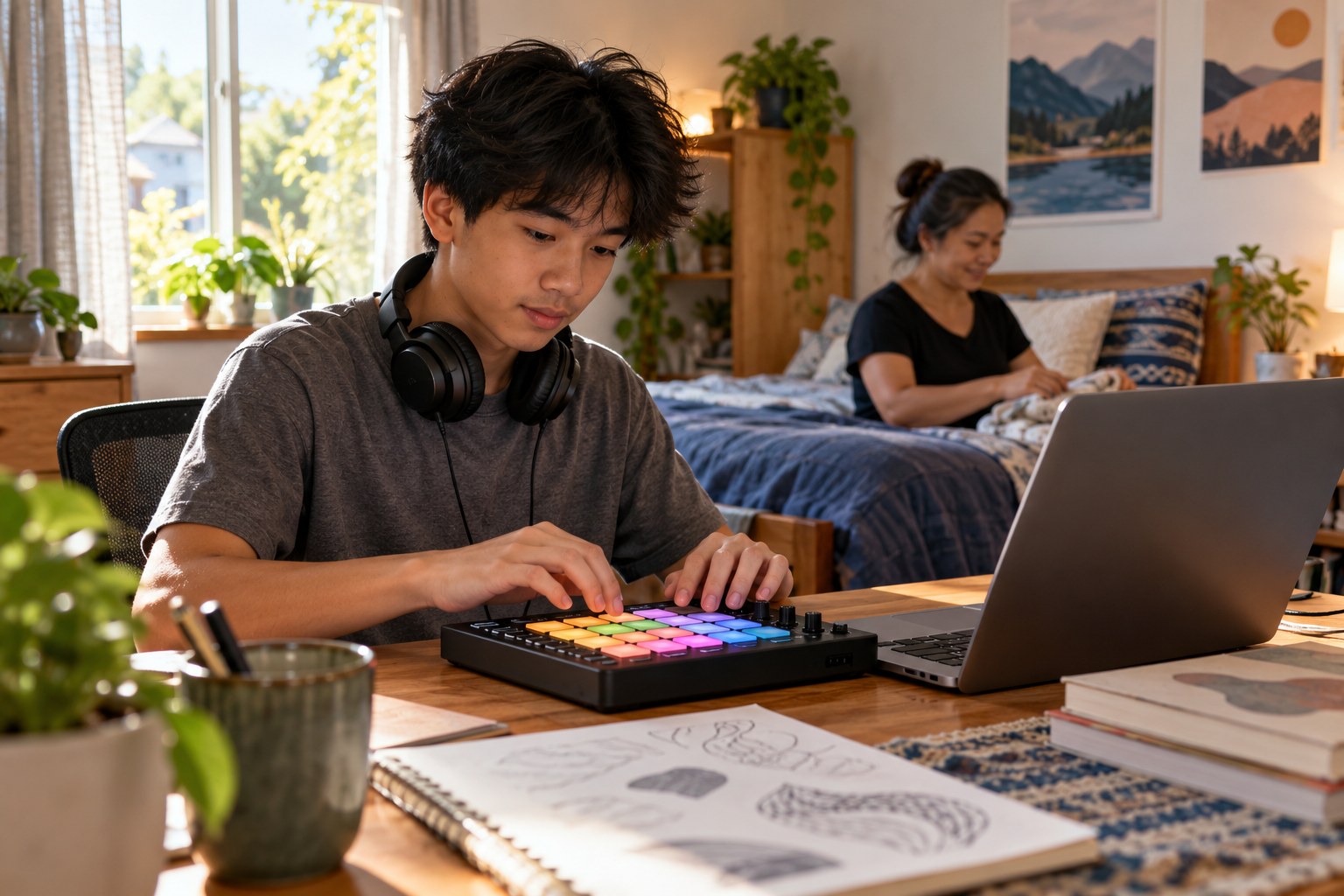
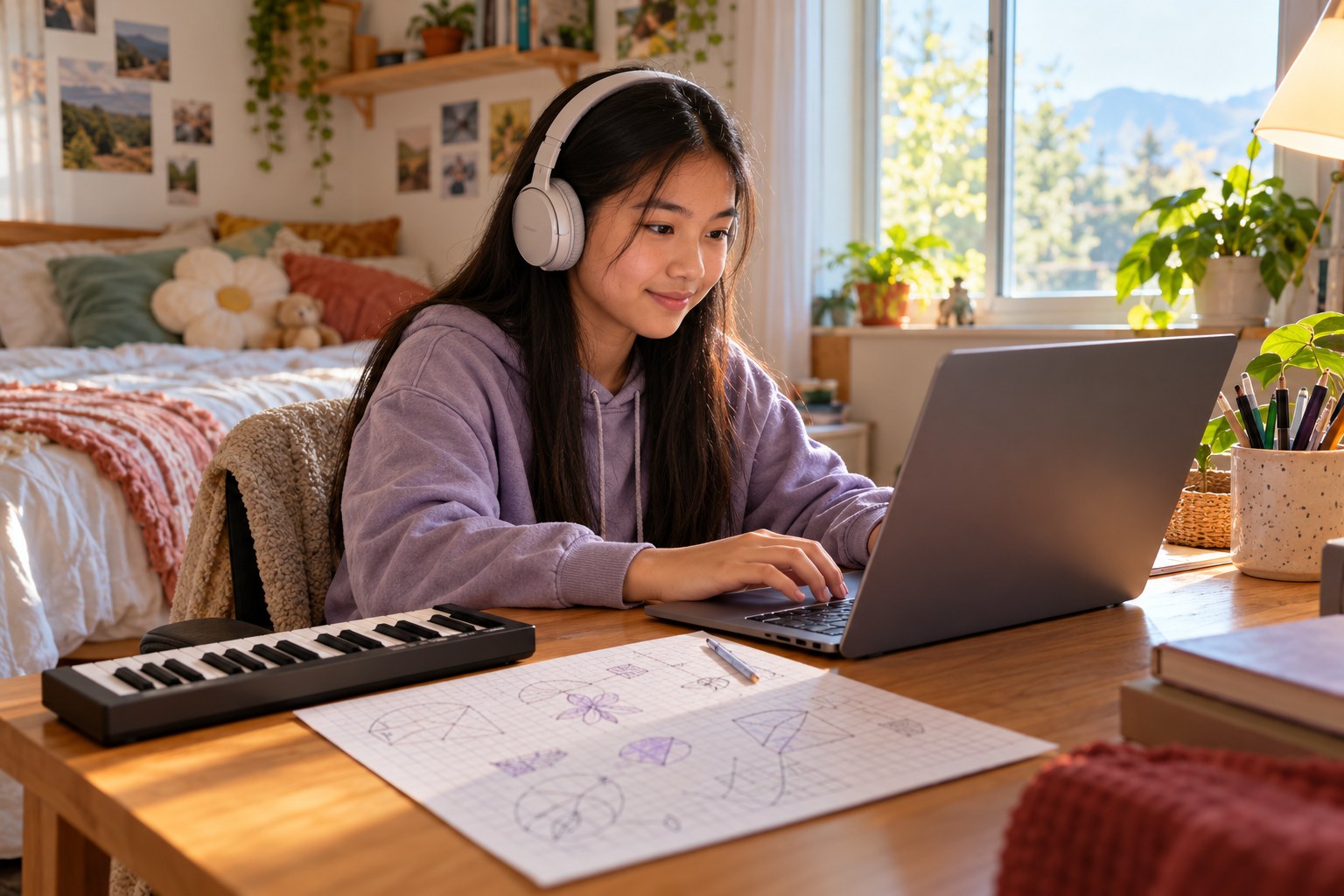
Your teen uses a free browser step sequencer (any 16-step online drum machine) to program a classic boom-bap loop at 90 BPM, with the snare on beats 2 and 4, then rebuilds it as a half-time trap pattern at 140 BPM with the snare only on beat 3 and fast hi-hats. Along the way they work out how long a bar lasts at each tempo and learn how beats, bars and drum placement create each genre's feel.
Objective
Your teen will program drum patterns on a 16-step grid, explain beats, bars and tempo, calculate bar length from BPM, and describe how drum placement creates different genre feels.
Materials
| Item | Quantity |
|---|
| Computer, tablet or phone with a free 16-step browser drum machine | 1 |
| Headphones | 1 pair |
| Sheet of graph paper | 1 |
| Pencil | 1 |
| Calculator or phone calculator | 1 |
Vocabulary
Step sequencer
A grid where each column is a slice of time and each row is a sound; you turn steps on to make a pattern.
BPM (beats per minute)
The tempo of a track, or how many beats happen in one minute.
Bar (measure)
A group of beats; most hip-hop uses bars of 4 beats, which a 16-step grid splits into 16 sixteenth-note steps.
Backbeat
Strong snare or clap hits on beats 2 and 4 of a bar.
Half-time
A feel where the snare hits only once per bar, on beat 3, so the groove feels half as fast as the tempo.
Preparation
- Find a free 16-step online drum machine (searching "online drum machine 16 step" turns up several) and check that it lets you change the tempo.
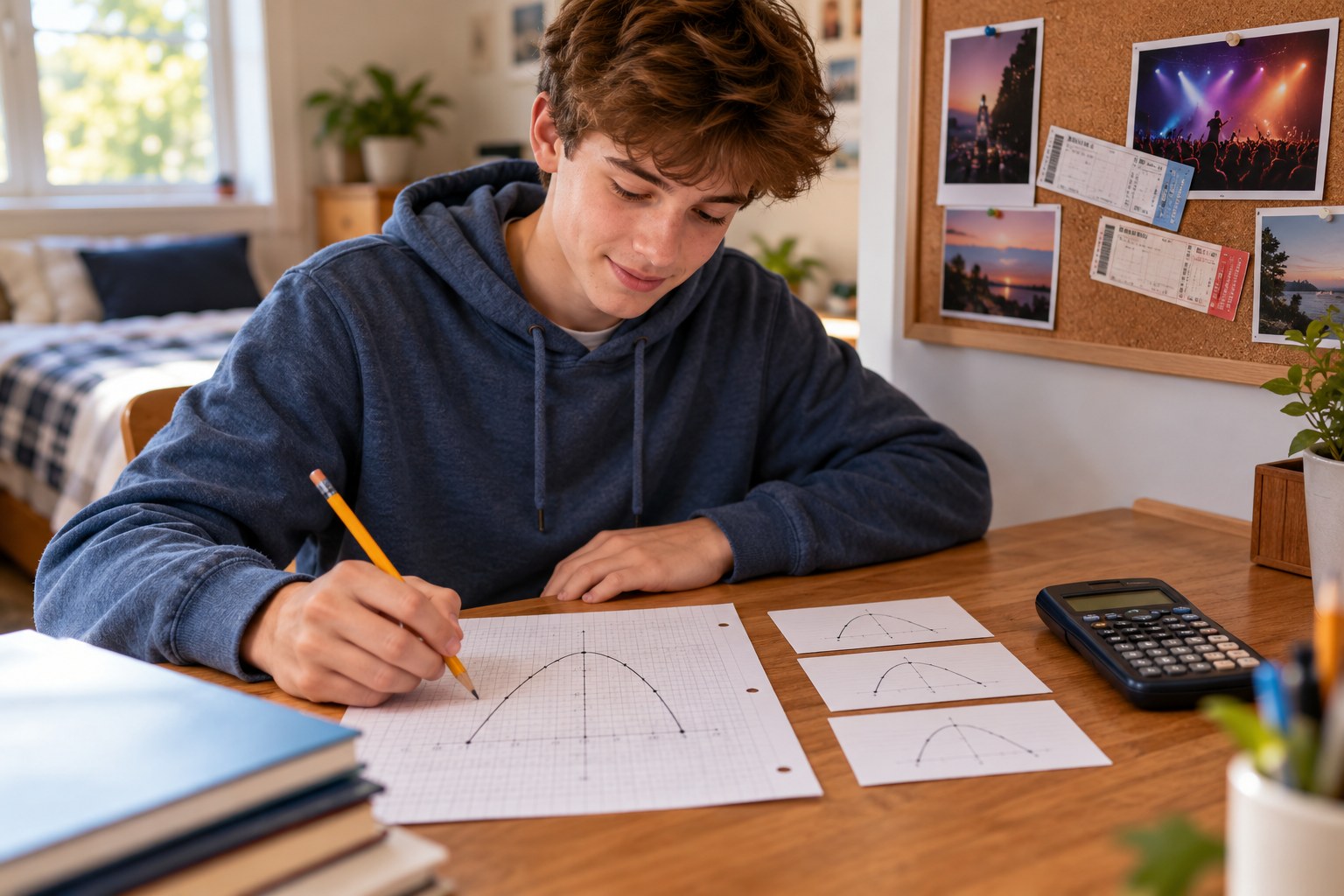
- On the sheet of graph paper, draw three rows of 16 boxes labeled Kick, Snare and Hi-hat, with beat numbers 1, 2, 3 and 4 over steps 1, 5, 9 and 13.
Introduction
Ask your teen to tap a steady beat on the desk, then clap on every second tap. Point out that they just made a backbeat, the backbone of most hip-hop. Today they'll put it on a grid, then flip it into a completely different genre with just a few changes.
What do you notice first in a hip-hop beat: the kick, the snare or the hi-hats?
Why do some songs feel slow even when the hi-hats are fast?
Steps
1Step 1
Learn the grid
(6 min) Your teen opens the drum machine and finds the 16 steps, and you show how steps 1, 5, 9 and 13 are the four beats of one bar. On the sheet of graph paper they label each beat and count '1 e and a, 2 e and a' out loud while pointing at the steps.
2Step 2
Build a boom-bap loop
(10 min) Your teen sets the tempo to 90 BPM and programs the Boom-Bap Pattern from Additional Sections: kick on steps 1, 8 and 11, snare on steps 5 and 13, and hi-hat on every odd step. They fill in the same boxes on the graph paper, listen on the headphones, and change one kick hit to make the loop their own.
3Step 3
Do the tempo math
(6 min) With the calculator your teen works out how long one 4-beat bar lasts at 90 BPM (4 x 60 / 90 = about 2.67 seconds) and at 140 BPM (about 1.71 seconds), and writes both on the graph paper. They time 4 loops of the boom-bap pattern on the phone or computer clock to check the math.
4Step 4
Rebuild it as trap
(12 min) Your teen raises the tempo to 140 BPM and programs the Trap Pattern: snare (or clap) only on step 9, kick on steps 1, 7 and 11, and hi-hats on all 16 steps. They listen on the headphones and explain why a 140 BPM beat with one snare per bar feels like it's moving at about half speed, 70 BPM.
5Step 5
Compare and save
(6 min) Your teen plays both loops back to back for you and describes, in one or two sentences on the graph paper, how the snare placement and tempo change the feel. They save or screenshot both patterns.
Conclusion
Ask your teen to name the two biggest differences between the boom-bap and trap loops. Point out that genre often comes down to a few placements on a grid.
Make your own lesson plan in minutes
Describe a topic and Resource Portal AI writes the objectives, materials and steps for your group.
Try Resource Portal AI