Lesson planMix It Clean: Levels, EQ and Compression for Your First Beat
Music60 minutesGrades: 12th
Overview
Balance, EQ and compress a beat until it sounds clean.
Description
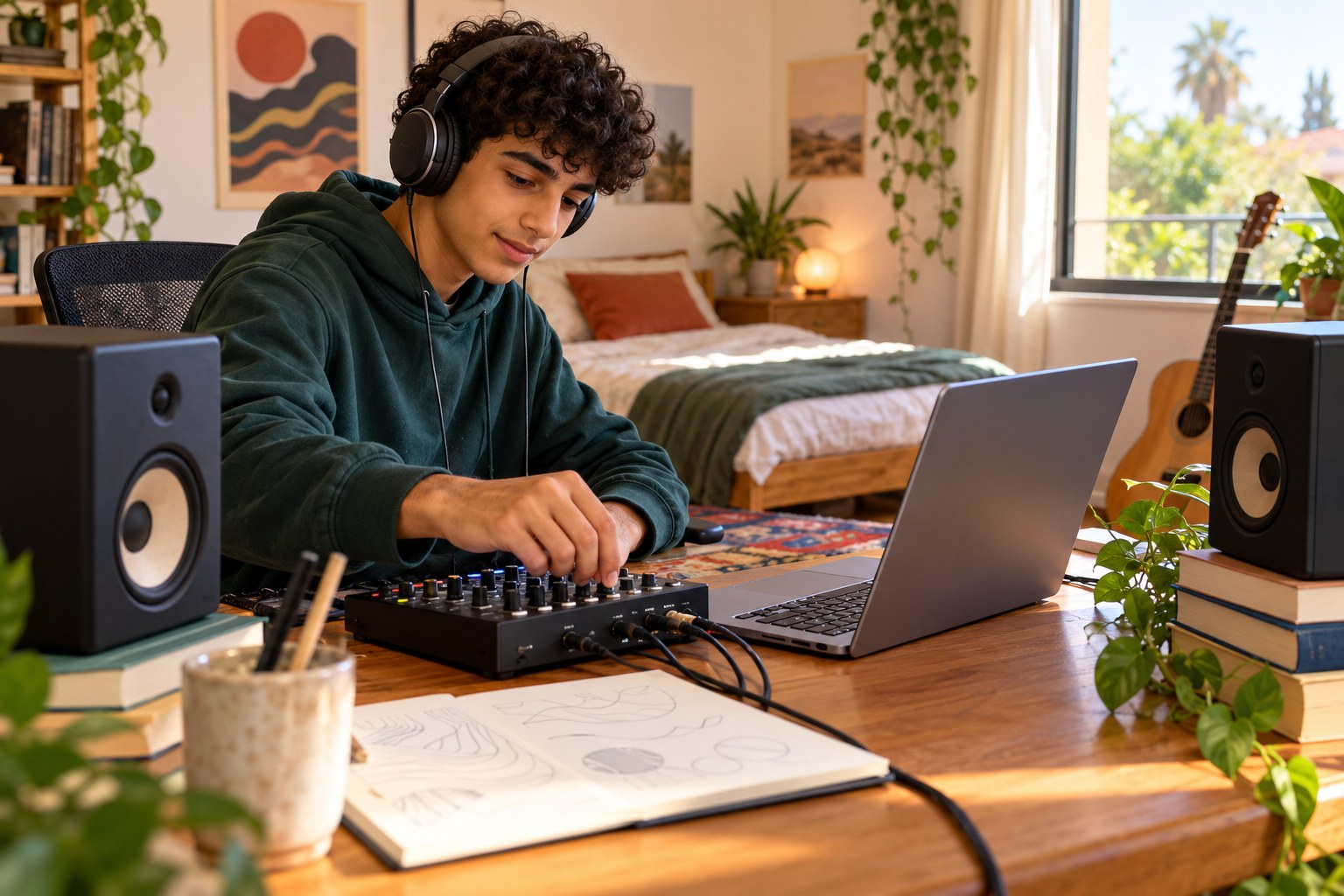
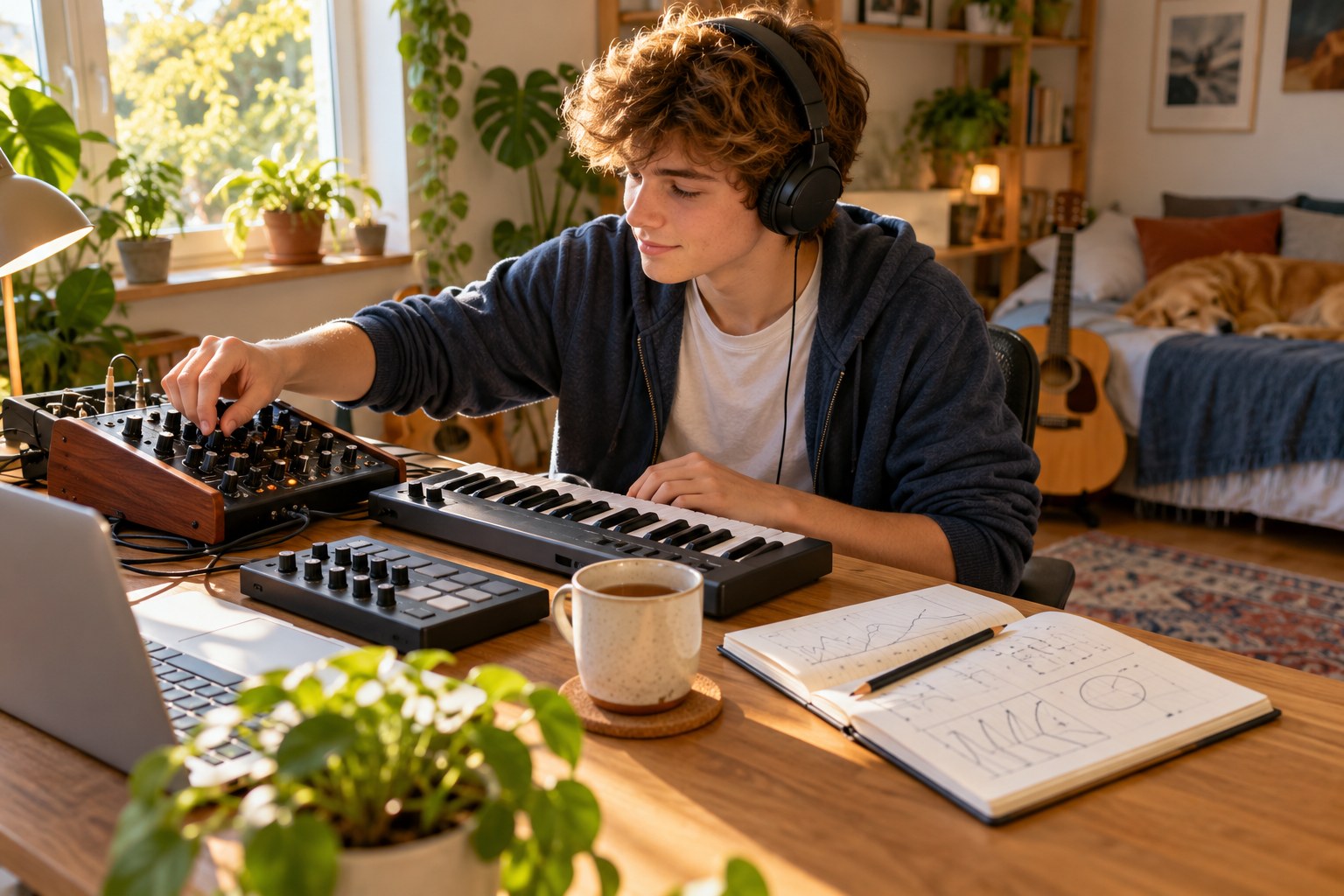
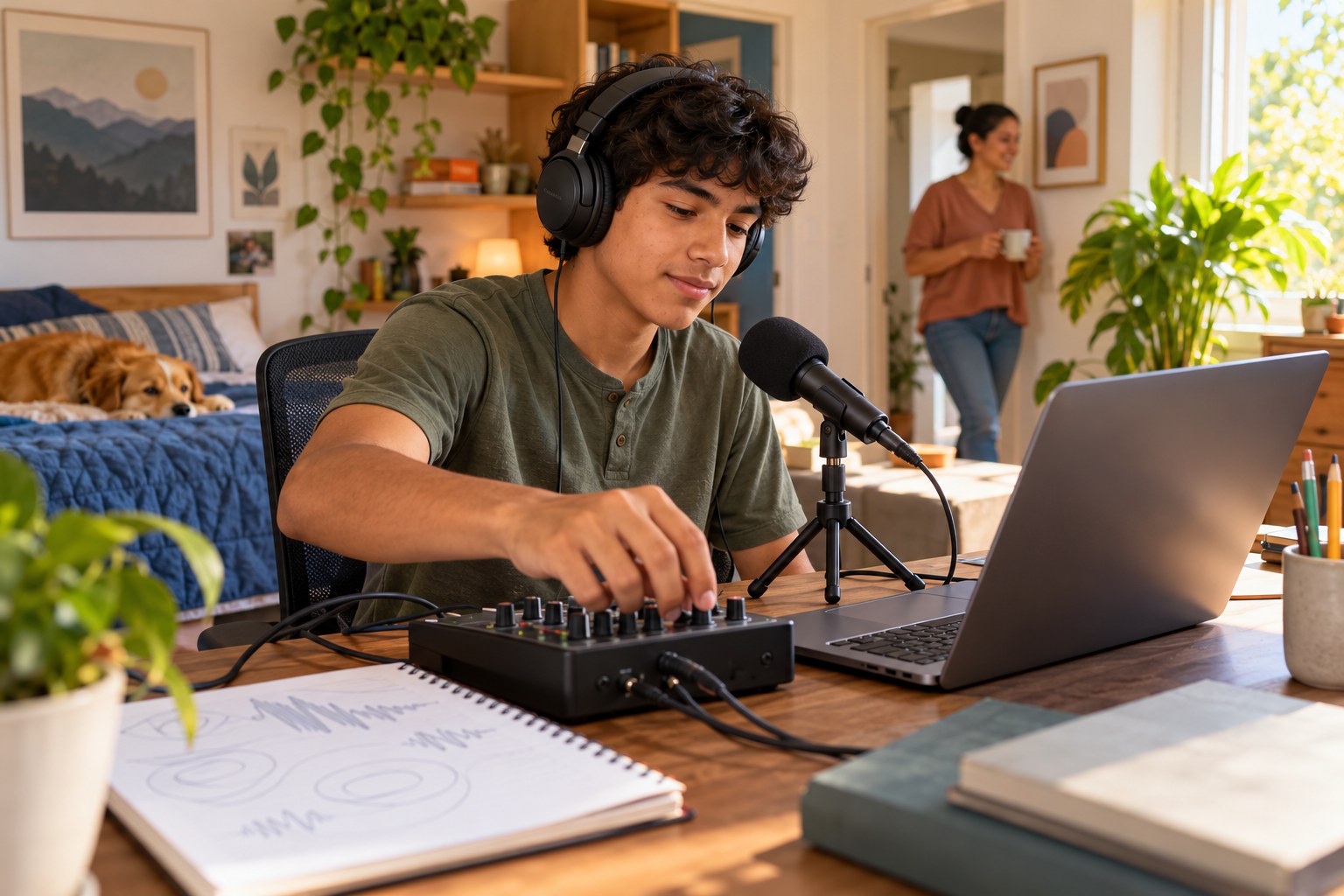
Your senior opens a beat they made (or a free loop project) in a free music program such as BandLab, GarageBand or Audacity, sets levels so the drums and bass sit together with the master peaking around -6 dB, uses EQ to roll off low rumble and cut mud between about 200 and 500 Hz, and adds gentle compression of 2 to 4 dB to the drums. They compare the mix with a reference track at matched volume, export a final version, and learn the core vocabulary of mixing engineers.
Objective
Your teen will balance track levels, use EQ to remove problem frequencies, apply gentle compression, compare against a reference at matched loudness, and export a finished mix.
Materials
| Item | Quantity |
|---|
| Computer with a free music program (such as BandLab, GarageBand or Audacity) and a beat or free loop project | 1 |
| Over-ear headphones | 1 pair |
| Small speakers or a phone speaker for a second listen | 1 |
| Reference track your teen likes (clean version, in a similar style) | 1 |
| Notebook | 1 |
| Pencil | 1 |
Vocabulary
Gain staging
Setting the volume of each track and the master so nothing distorts and there is room, or headroom, left over.
EQ (equalization)
Turning specific frequency ranges up or down to shape a sound, such as cutting low rumble or boosting brightness.
Compression
Automatically turning down the loudest parts of a sound so its volume is more even and punchy.
Reference track
A professionally mixed song used for comparison while mixing.
Headroom
The space between a mix's loudest peak and the point where it would distort (0 dB on the meter).
Preparation
- Make sure the music program is installed or open in a browser and the beat project loads.
- Have your teen pick a clean version of a reference track in a similar style.
- Set headphones to a comfortable, moderate volume; mixing loud tires ears quickly and makes judgments worse.
Introduction
Play a few seconds of your teen's beat, then the reference track. Ask: what does the professional track have that yours doesn't? Usually it isn't better sounds; it's that every sound has its own space. Today they'll learn how engineers make that space.
When you listen to a song you love, which sounds are loudest? Which are quieter than you expected?
Why might a beat sound great in headphones but muddy on a phone speaker?
Steps
1Step 1
Listen and take notes
(8 min) Your teen listens to the reference track and their beat on the over-ear headphones and writes in the notebook three differences, such as 'their kick is clearer' or 'my bass covers the melody.' They also note the loudest and quietest element in each.
2Step 2
Set the levels
(12 min) In the music program your teen pulls every track's fader all the way down, then brings up the kick and bass first, then snare, hats, melody and extras until the balance sounds right. They keep the master meter peaking around -6 dB for headroom and write the final fader settings in the notebook.
3Step 3
Clean up with EQ
(12 min) Your teen adds an EQ to each non-bass track and uses a high-pass filter to roll off everything below about 100 Hz, so only the kick and bass own the low end. They then sweep a narrow boost between about 200 and 500 Hz on the melody or pads to find a muddy-sounding spot, cut it by 2 to 4 dB, and write each change in the notebook.
4Step 4
Add gentle compression
(10 min) Your teen puts a compressor on the drum track with a ratio around 3:1 and lowers the threshold until the meter shows about 2 to 4 dB of gain reduction on the loudest hits. They toggle the compressor on and off on the headphones and describe the difference in punch and evenness in one sentence in the notebook.
5Step 5
Reference at matched volume
(10 min) Your teen lowers the reference track until it sounds about as loud as their mix, then switches back and forth every few seconds. They also play both on the small speakers or phone speaker and fix one problem they hear, such as bass that disappears on small speakers.
6Step 6
Export and compare
(8 min) Your teen exports the final mix as an audio file and plays the original beat and the new mix back to back on the over-ear headphones. They write in the notebook the two changes that made the biggest difference and save a copy of their mix settings for the next project.
Conclusion
Ask your teen to explain in plain words what EQ and compression did to their beat. Point out that mixing is mostly about subtraction: making space so each sound can be heard.
Make your own lesson plan in minutes
Describe a topic and Resource Portal AI writes the objectives, materials and steps for your group.
Try Resource Portal AI